
XCIPTV
Screenshots

XCIPTV is a professional media player application designed for users who want to stream content through their preferred service providers. It acts as a powerful interface that decodes various streaming protocols. The app does not provide any content itself. Instead, it offers a clean and highly customizable layout for managing your existing playlists. Many people prefer this player because it works smoothly on smartphones, tablets, and smart TVs. It supports major stream formats and provides a user-friendly way to navigate through large libraries of video material. By focusing on a minimalist design, the software ensures that the viewing experience remains the top priority for every user.
Understanding the XCIPTV Interface and Navigation
The primary reason users flock to XCIPTV is its intuitive dashboard. The main screen categorizes content into logical sections like Live TV, Movies, and Series. This organization makes finding a specific channel or show very simple. You can navigate the menus using touch gestures or a remote control. The design looks very modern and avoids cluttering the screen with unnecessary buttons.
Transitioning between different categories happens instantly. The software uses a fast loading mechanism to fetch metadata like posters and plot summaries. This creates a rich browsing experience that feels premium. Users can also change the theme colors or background images to suit their personal style. This level of visual control makes the player feel like a natural extension of your device.
How to Configure XCIPTV for Optimal Streaming
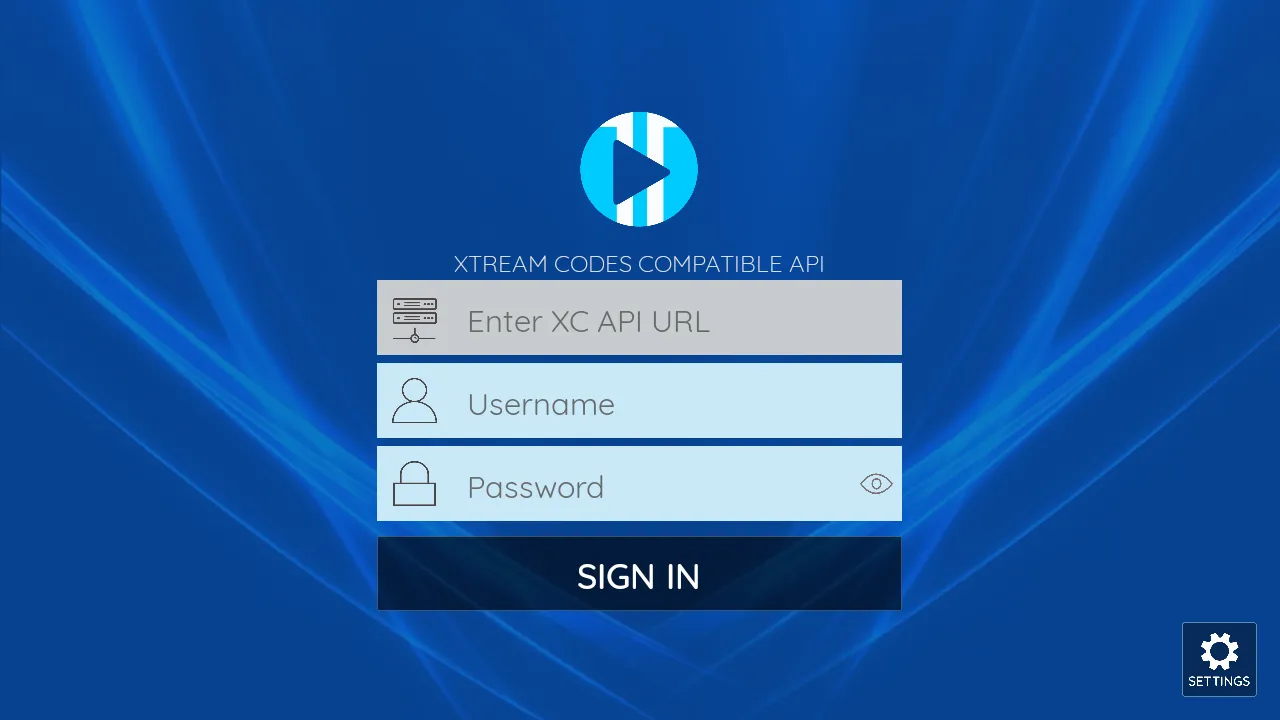
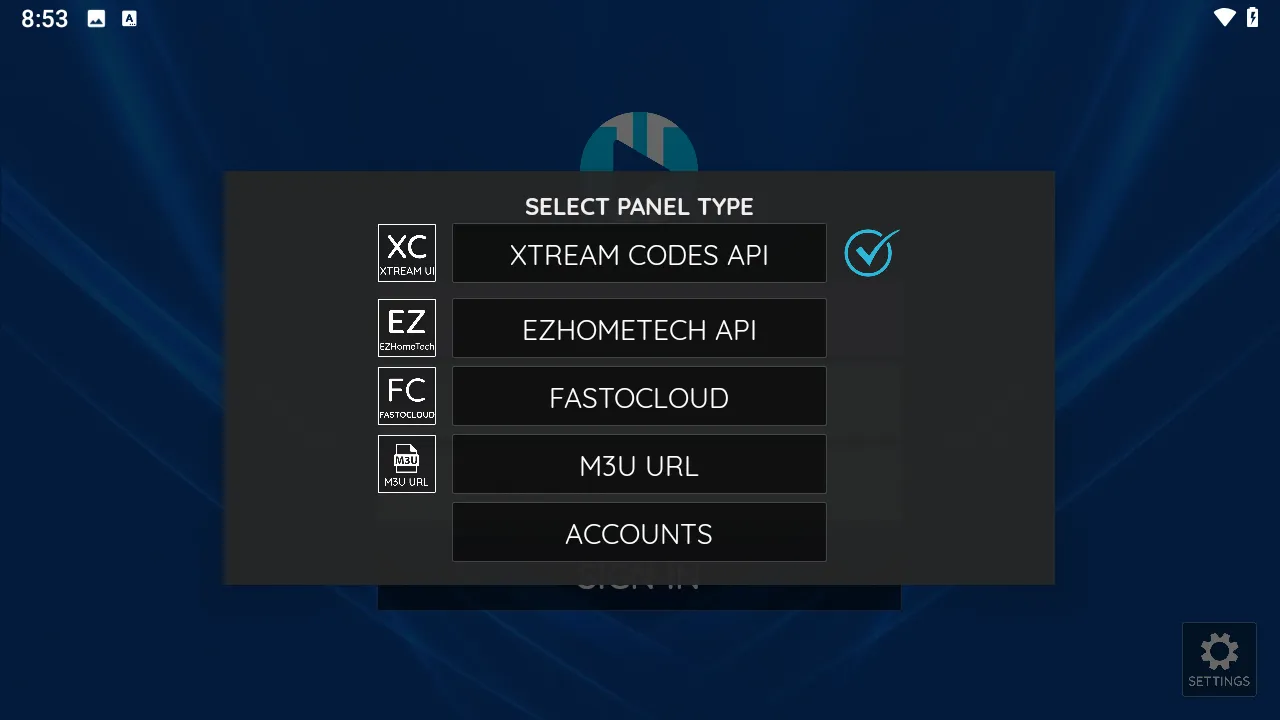
Setting up XCIPTV requires a few simple steps. You must enter your login credentials provided by your service provider. This usually involves a URL, a username, and a password. Once the app verifies these details, it begins syncing your channel list. It is important to have a stable internet connection during this initial sync.
After the data loads, you should check the player settings. You can choose between different hardware decoders to match your device’s processor. This step is crucial for preventing buffering or video lag. If one decoder struggles with a high-definition stream, switching to another often fixes the issue. Additionally, you can enable a “Low Latency” mode if you are watching live sports.
Key Features of XCIPTV You Should Know
The developer packed this player with features that enhance the daily viewing routine. It goes beyond basic playback to offer advanced management tools. Here are some of the most notable features available:
- EPG Support: View upcoming schedules with a full Electronic Program Guide integration.
- Built-in VPN Support: Many versions allow you to link a VPN service directly within the app.
- Multi-Screen Viewing: Watch up to four channels simultaneously on a single screen.
- Parental Controls: Lock specific categories or channels with a secure PIN code.
- Recording Capabilities: Schedule and save live broadcasts to your device storage.
- Favorites List: Save your most-watched channels to a dedicated quick-access menu.
- External Player Support: Use third-party players like VLC or MX Player if you prefer their specific controls.
Enhancing Security and Privacy While Using XCIPTV
Privacy is a major concern when streaming online. XCIPTV addresses this by offering built-in security options. You can hide specific content categories so they do not appear on the main dashboard. This is very helpful for families with children who share the same device. The parental lock ensures that young users only see age-appropriate material.
Moreover, the app allows you to clear your search history and cache with one tap. This prevents the storage from filling up and keeps your viewing habits private. It is always wise to use a secure connection when logging into the player. By managing your settings carefully, you can enjoy your media with peace of mind.
Customizing the XCIPTV Layout and Appearance
Personalization is a core part of the XCIPTV experience. You are not stuck with the default look of the application. You can upload custom skins or change the layout from a grid view to a list view. This flexibility is perfect for users who have thousands of channels and need a more efficient way to scroll through them.
The app also supports multiple languages. You can change the entire UI to your native tongue in the settings menu. Furthermore, the notification system keeps you updated on your subscription status or system updates. These small details contribute to a polished and professional feel that many other players lack.
Troubleshooting Common Performance Issues
Sometimes, users might encounter issues with video playback or data syncing. Most problems in XCIPTV are easy to resolve. If the app fails to load the EPG, try clearing the app cache in your device settings. This forced refresh often fixes data mismatches. If the video freezes, check if your internet speed meets the requirements for high-definition streaming.
Another common fix involves updating the app to the latest version. Developers frequently release patches to fix bugs and improve compatibility with new video formats. If you experience a “Format Not Supported” error, try switching from the internal player to an external one. This allows the app to use different codecs that might be better suited for that specific file.
Conclusion
XCIPTV is a top-tier choice for anyone looking for a reliable and stylish media player. It provides all the necessary tools to manage live streams and video-on-demand content effectively. With features like multi-screen viewing, EPG support, and parental controls, it satisfies the needs of both casual and power users. The ability to customize the interface ensures that every user can create a layout that works best for them. By following simple optimization steps, you can turn your device into a high-performance media center. It remains a staple application for those who value organization and speed in their entertainment setup.